Basic Integrations using Remote Control

Basic Integrations
Huntron

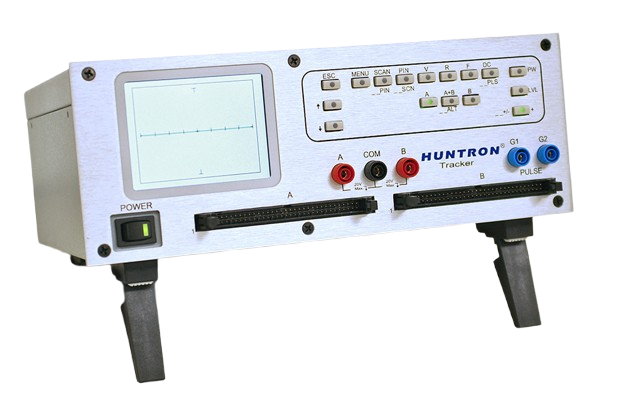
The Huntron Workstation Remote Control feature allows control of the software from other programs. Tests are created in Huntron Workstation and then “controlled” remotely. The process of adding Huntron Prober capabilities to other programs and testers using drivers requires programming by the customer. Huntron Workstation Remote Control makes this easier by providing most of the functionality needed with minimal programming. Remote Control is used by programs linked to the Huntron Client VB.NET DLL. The DLL provides call functions used to control the Huntron Workstation application.

Features

Key capabilities and advantages

  • Enables remote control of Huntron Workstation from external test executives / programs
  • Automates prober movement + probe contact + measurements (via other instruments)
  • Provides minimal development effort: you don’t need to re-implement prober control or test logic — you just call DLL functions.
  • Includes sample application and source code to speed up integration and show how to use the DLL.

Specifications

Technical specifications and parameters

Integration Type Remote Control Integration
Control Method Uses HuntronClient.dll (VB.NET) to call into Workstation
Communication Protocol Microsoft Remoting (between client DLL and Workstation)
Supported Programming Languages NET languages (VB.NET, C#, etc.)

Other Product

Chat Us
Special Day
Sumber Instrumindo
HAPPY New Year
↓ Scroll to return ↓